


Glossary
Data Studio > Glossary
The glossary is a place to define terms relevant to your data. Example:
Credit note: An amount applied after the invoice total to reduce what is due. Excluded from ARR; recognized as a one-time revenue impact in accounting, and avoided where possible.
Everyone in your Metabase can read the glossary, but only admins and people in the Data Analysts group can add, edit, or delete terms.
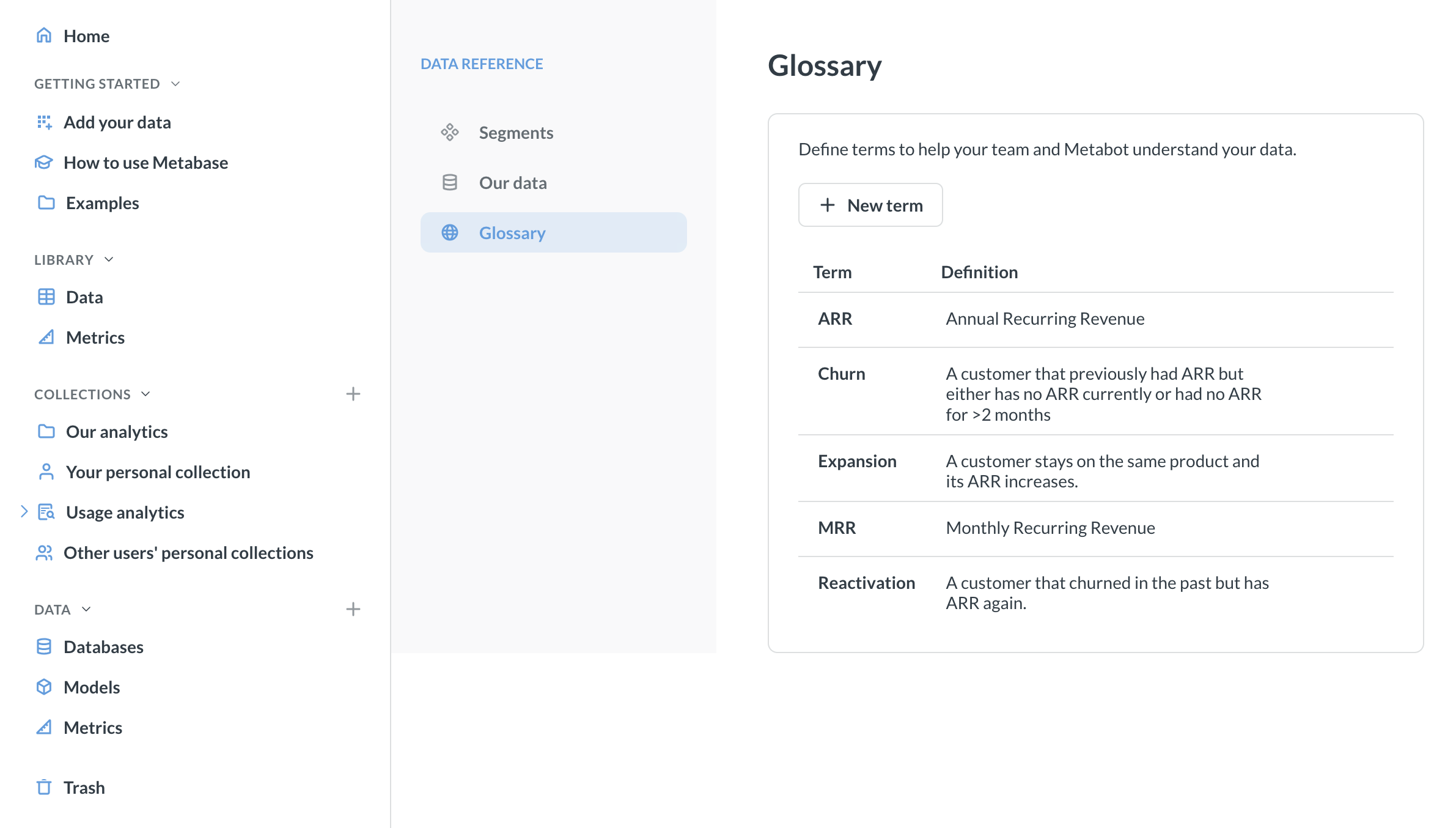
To see the glossary in Data Reference:
-
If the left navigation sidebar is hidden, open it by clicking on the three lines icon in top left.
-
In the left navigation sidebar, click Databases.
-
Click “Learn about our data” above the list of databases. This will open Data Reference.
-
In Data Reference, click Glossary in the left sidebar.
Use the glossary to give Metabot context
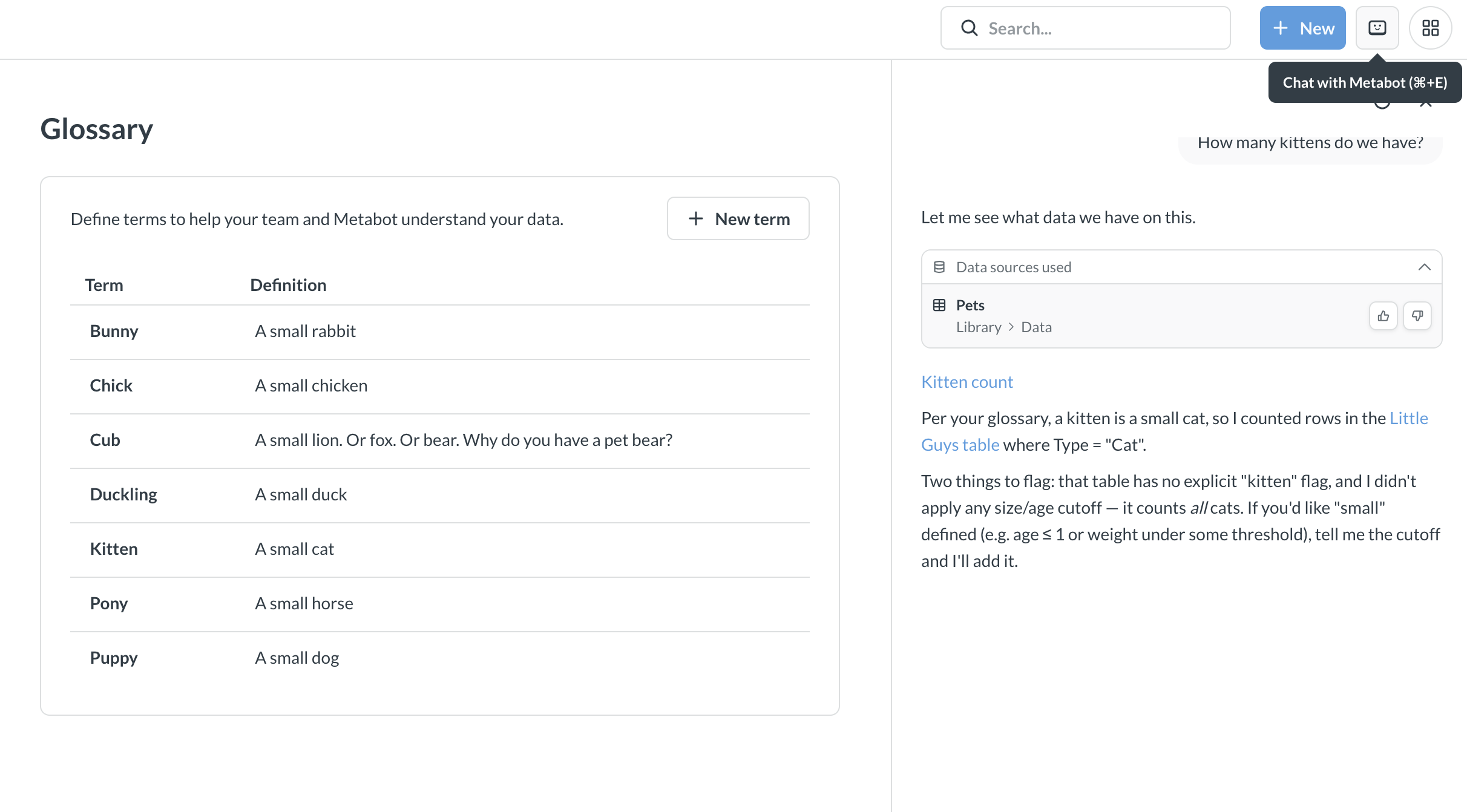
The glossary is particularly useful for Metabot. When Metabot gets a prompt, it can look up glossary terms to understand your request. For example, if you define “MRR” as “Monthly Recurring Revenue” in your glossary, Metabot will know what you mean when you ask “What’s our MRR for Q4?”
Manage the glossary
You can manage the glossary in Data Studio. You need to be an admin or in the Data Analysts group to access Data Studio.
-
Click on the grid icon in the top right and select Data Studio.
-
In the left sidebar, click on Glossary.
-
To add a new term, click + New term. Add the term name and its definitions, then click the checkmark to save the term to the glossary.
To remove a glossary term, hover over it, click the trash icon, and confirm.
To edit a glossary term or definition, click on the term or definition.
Metabot will start using glossary terms automatically.
Glossary terms sync with the Library
If you sync the Library to Git with Remote sync, Metabase syncs your glossary terms along with the rest of the Library.
Glossary outside Data Studio
In addition to Data Studio, everyone in your Metabase can browse the glossary if they have access to Data Reference. Admins and Data Analysts can also edit the glossary from Data Reference.
Read docs for other versions of Metabase.