Data Studio
Wrangle your data, add the context it's missing, and define metrics once so your teammates and AI can query reliably and get the right answer. Get end-to-end visibility: make a change, see what breaks before you ship it.
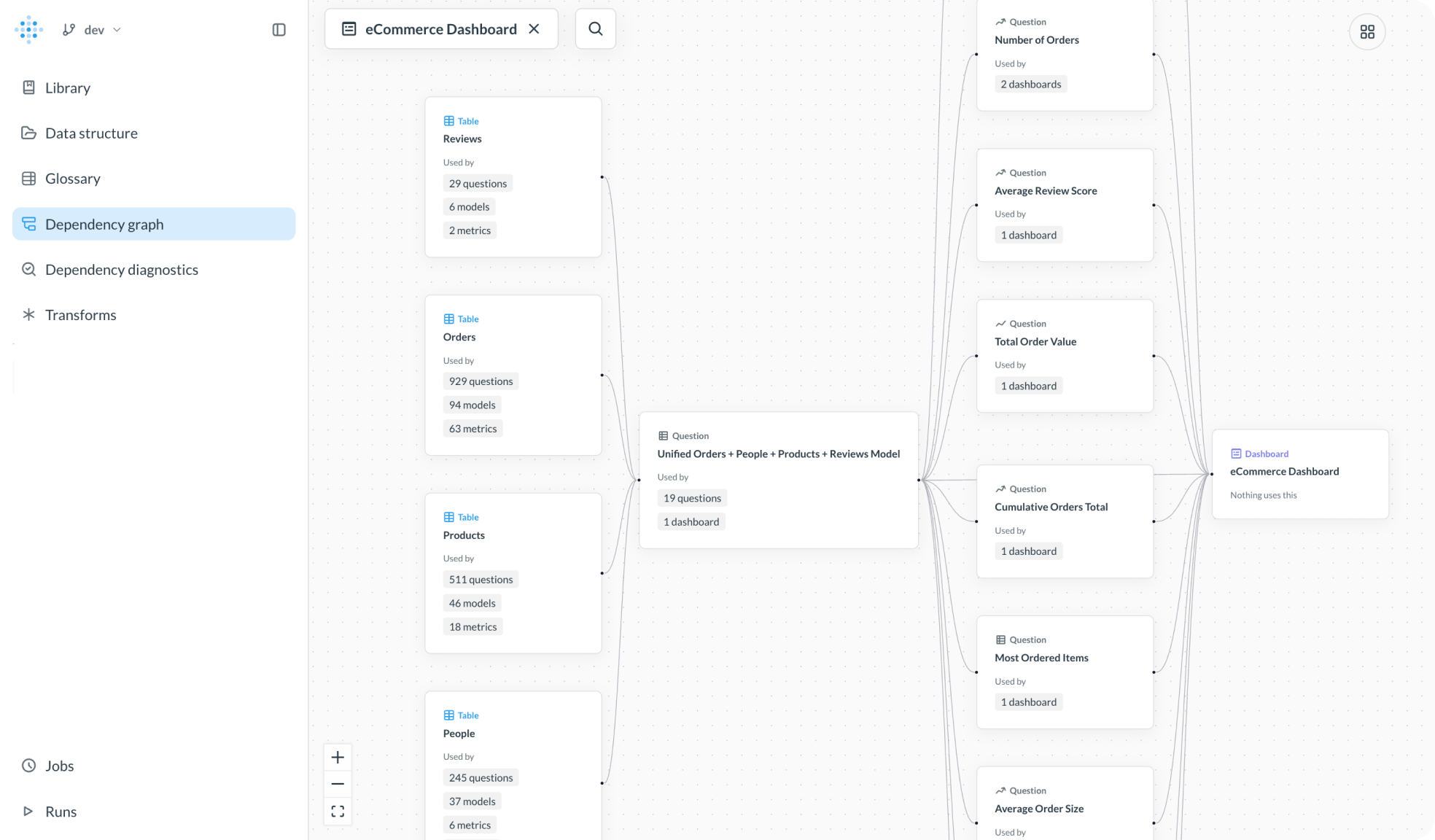






Data Studio is where you shape the data your analytics depends on — a unified computational graph of tables, transforms, reusable metrics, business logic, and lineage.
Clean, join, or pre-aggregate data in SQL or Python and create a new, persistent table for teams and agents to explore and ask questions.
Rename columns, add descriptions, and set semantic types so a table means something to the next person (or agent) who opens or queries it.
Save aggregation logic as a metric, so ARR is computed the same way wherever it's queried.
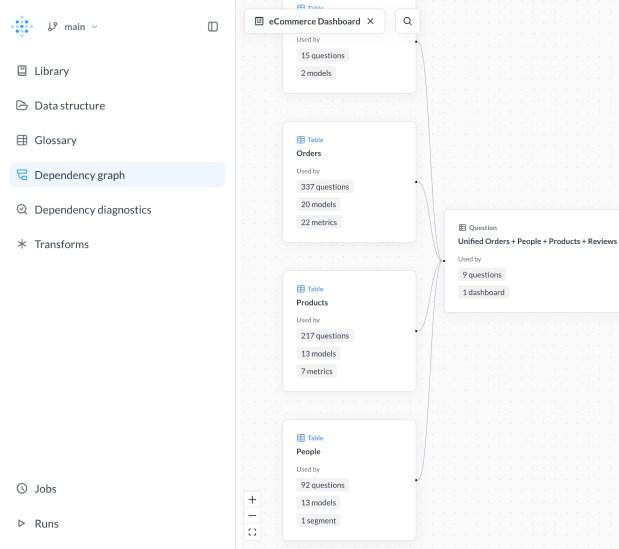
Trace lineage from raw tables to the dashboards and questions that depend on them, all inside Metabase, so you know the impact before you ship a change.
Detect broken dependencies, from tables to dashboards, and fix them before they cause problems.
Create a shared library of canonical datasets so teams know what’s production-ready.

Data Studio is the space in Metabase where teams structure their data for self-service analytics. It’s where you build and manage data models, define metrics, and organize metadata so analytics stays understandable and reliable as more people, dashboards, and questions depend on it.
Yes, you can build and define your semantic layer inside Data Studio in Metabase. It lets you define shared business logic, like metrics and definitions once, and reuse them consistently across questions, dashboards, and embedded analytics.
Metabot and other AI tools draw on the metrics, glossary terms, and table context you define in Data Studio, so they have a trustworthy foundation to work from instead of guessing at raw tables and joins.
Data Studio is designed for analytics engineers, analysts, or developers: anyone responsible for managing data, both for embedded or internal analytics.
As analytics grows, teams often run into duplicated logic, drifting metrics, and dashboards that break when things change. Data Studio helps prevent these issues by centralizing definitions, making dependencies visible, and giving teams safer ways to evolve their analytics without breaking downstream work.
Yep. Data Studio works the same way whether your analytics are used internally or embedded in customer-facing products. Models, metrics, and definitions created in Data Studio can power embedded dashboards just as reliably as internal ones.
Data Studio is an always-on part of Metabase. Core capabilities are available in every Metabase instance, with additional advanced features available for teams that need more complex workflows, including Python transforms, data lineage, dependency diagnostics, and more as they grow.
If you’re already using Metabase, Data Studio is ready to use. You can start by publishing tables, defining metrics, or adding context to your existing data. New users can try it in Metabase open source, or explore advanced capabilities with a free trial.
Data Studio can support full transformation workflows for many teams on its own. For teams that already have established modeling or transformation workflows, Data Studio is designed to complement upstream work rather than replace it.