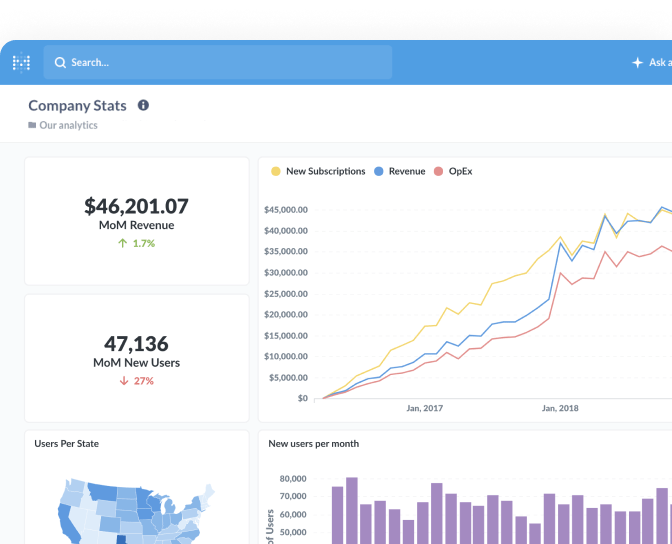
A public embed is a question or dashboard that Metabase
serves at its own public URL, which you can then drop into another web page in an
iframe. Anyone who has the link can view it — there’s no login, no permission
check, and no way to tell one viewer from another.
That last point is the whole trade-off. A public embed is the simplest way to put a chart in front of people, and the only one that needs no authentication work on your side. It’s also the wrong choice for anything a stranger shouldn’t see, because “unlisted URL” is not access control. Treat the link as public the moment it exists.
When a public embed is the right fit
Public embedding suits data you’d be comfortable publishing anywhere:
- A status or uptime page showing service health to customers.
- Community or open-data dashboards — usage stats, roadmap progress, release cadence.
- A chart in a blog post, docs page, or conference talk.
- Internal wikis where the whole company can already see the underlying numbers.
When to reach for something else
If viewers should each see their own slice of the data — one customer’s orders, one team’s tickets — you want secure embedding instead, where a signed token carries the viewer’s identity and Metabase filters the results accordingly. If you only need to hide the Metabase chrome for internal users who already have accounts, interactive embedding keeps their permissions intact.
The rule of thumb: public embeds answer “what should everyone see?” Every other embedding question is really a question about who is looking.
Key article
Related term
Put it to work
- Service availability — Dashboard
- SLO tracking — Dashboard