6 min read
Let’s be honest, migrating from one BI tool to another can suck. It’s a lot of work, there are a lot of moving parts, and it can get overwhelming fast. I’ve worked on a few BI migrations, and I’ve seen how quickly they can turn into months of work across dozens or hundreds of dashboards, multiple data sources, and a lot of stakeholders. I wanted to share what I learned along the way.
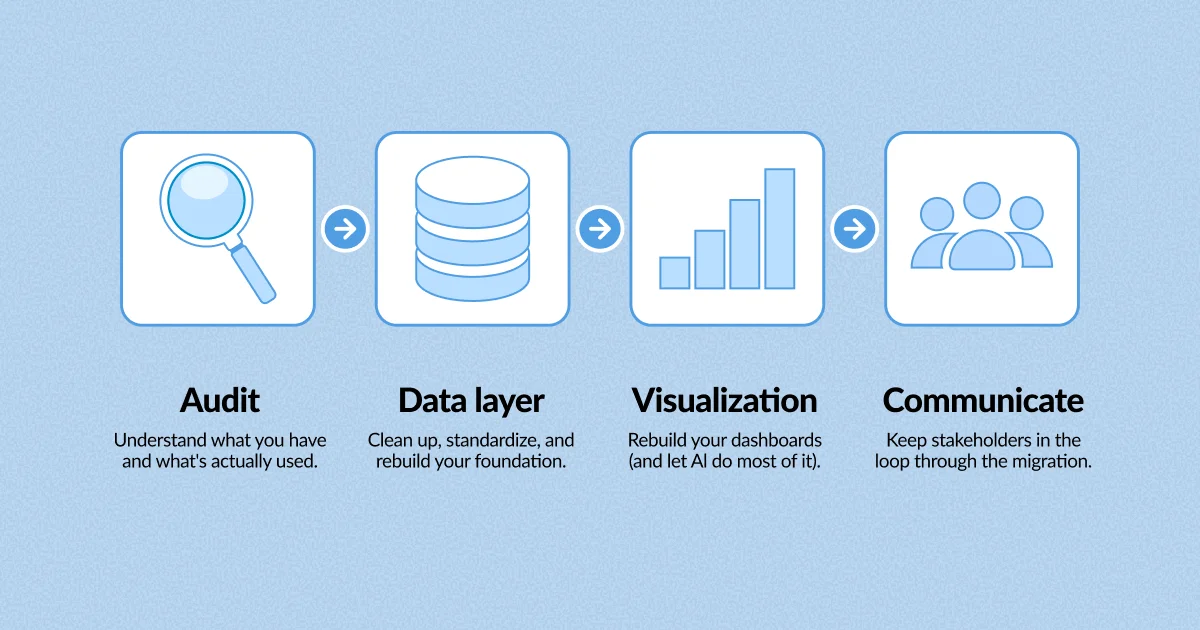
Let’s say you’re using something like Tableau, Power BI, or Looker, and you want to migrate your dashboards to a new BI tool like Metabase. Instead of copying everything over, this is a really good time to audit what’s actually being used and what’s really providing value to the business.
It can be a little overwhelming to look at 250 dashboards and think, “We have to migrate all of these.” So I like to break the work down by business function. Maybe you start with executive dashboards. You see 25 dashboards, but only 3 are being used actively. You’ll need to define what “active” means, but maybe that means opened in the last 30 days. All of a sudden, the scope looks a lot more manageable.
Do the same exercise with accounting, marketing, sales, and the rest of the business. You might find that out of those 250 dashboards, only 75 are actively being used, and many of the rest were one-off requests.
Don’t go crazy and start deleting everything yet. I like to archive these non-active dashboards. You find out pretty quickly if there’s something you archived that is still being used. Also, make sure you check subscriptions before you archive anything. A dashboard might not look active, but it could still be doing something important in the background.
And if one of the dashboards you archived turns out to be important, learn more about how it’s actually being used. If someone only opens it once a month for a single metric, maybe that metric belongs in one of the 3 dashboards you already identified as important.
Now, your scope of 250 dashboards and months of migration work should be drastically reduced.
PS: You should be doing this even if you’re not migrating. Dashboard sprawl happens everywhere. In Metabase, you can use Collection cleanup to clean up unused items. Once a quarter is a good cadence.
This is a great opportunity for cleanup.
You may find that multiple dashboards are using very similar tables, custom queries, or calculations. Someone may have needed to push a dashboard out the door quickly, so they went rogue and created a new table or hard-coded a calculation without taking the time to see what already existed. Over time, those little decisions add up, and suddenly you have a bunch of dashboards with slightly different logic.
For example, someone on the finance team needs to report a number to the board, but the numbers in two dashboards don’t match. Which one is correct? Now you’re frantically trying to figure out which number people should trust, and trust is starting to erode. I hated those Slack messages. They were always urgent and usually turned into a high-pressure goose chase.
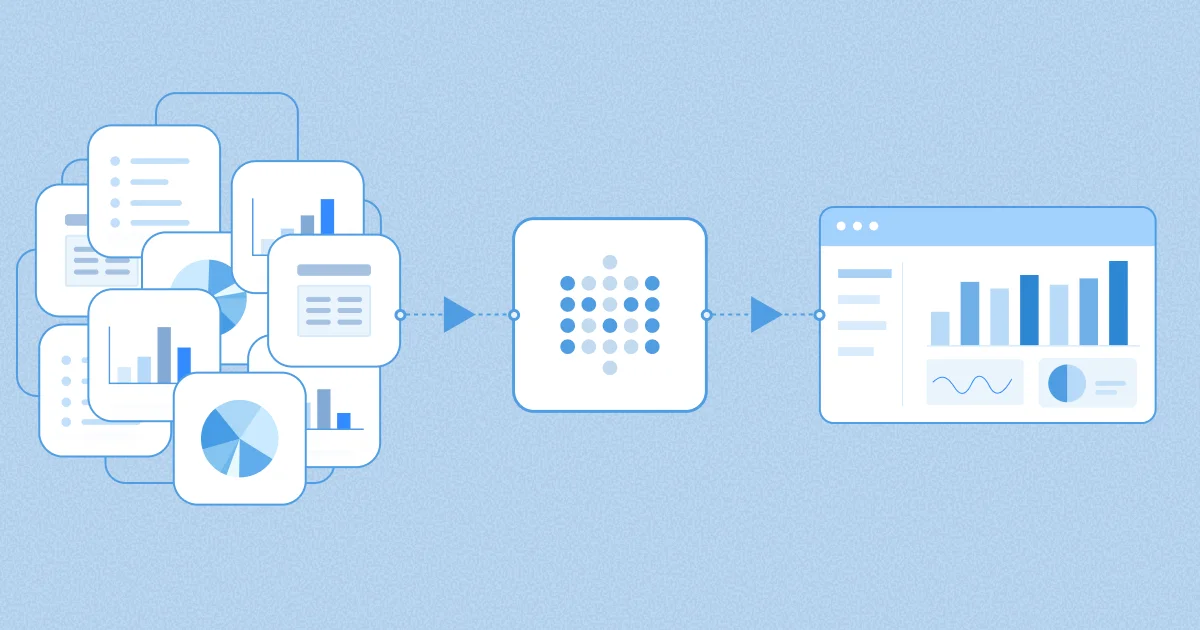
This is a great time to clean that up. Move hard-coded logic out of the dashboard and into dbt, Metabase Data Studio, or wherever your team manages the data layer. The goal is to agree on the logic once instead of rebuilding it differently in every dashboard.
This is also your chance to create a stronger semantic layer with trusted metrics and definitions that everyone can use. Another major benefit is that as the data world shifts toward agentic analytics and self-service through things like MCPs, your AI will return better results if your foundation is solid. If you have shit data, you’ll get shit answers. I’d make this a real priority because it will make your life a lot easier down the road.
This was always my favorite part of a migration.
After all the work of doing an audit, talking with stakeholders, standardizing definitions, and creating a semantic layer, you finally get to see that hard work pay off.
Back in my day, I’d open one dashboard on my left monitor and recreate it on my right monitor. It works, but it’s a manual process and takes time.
If I were doing this today, I’d probably take a screenshot of the dashboard, drop it into a tool like Claude, and use something like the Metabase MCP to help recreate it. You could even go one step further and use the Metabase CLI to automate the process and keep everything version-controlled.
AI can absolutely make mistakes, but if it can get you 75% of the way there in an hour or two, that’s a huge time savings. Before you call a dashboard done, compare the important metrics to the old dashboard with the people who actually use them. That helps build trust and makes stakeholders feel good about this whole migration thing.
Communication should start before you begin the migration, not once it’s already complete.
Let stakeholders know the migration is happening, why you’re doing it, what the timeline looks like, and what it means for them. This gives people time to raise concerns, tell you about dashboards you may have missed, and feel like they’re part of the process instead of getting surprised by a new tool one day.
During the migration, keep stakeholders updated as their dashboards become available. Meet with them, see if they have questions, and make sure they have what they need.
Once the migration is complete, tell everyone when you’ll be sunsetting the old tool. I also like to monitor the old tool during the transition period to see if people are still logging in, and if they are, find out why. On the flip side, you can use something like Metabase’s usage analytics to make sure people are actually using and adopting the new tool.
Sometimes people have a hard time with change, so make sure they know you’re there to help them succeed.
Before the final sunset, I like to send one last reminder that they’ll be losing access to the old tool and include the URL to the new one.
A BI migration is a lot more than moving dashboards from one tool to another. It’s a good opportunity to get rid of clutter, clean up inconsistent logic, and make sure your data foundation is in a much better place than when you started.
Approach the migration in phases, audit what matters, and communicate clearly with stakeholders, and the process will suck a whole lot less.
If you’re thinking about a migration or just starting one, don’t do it alone. We’ve helped a lot of teams with this and we’re happy to think it through with you. Get in touch.