Embedded analytics with every customer locked to their own data
Try for free Talk to sales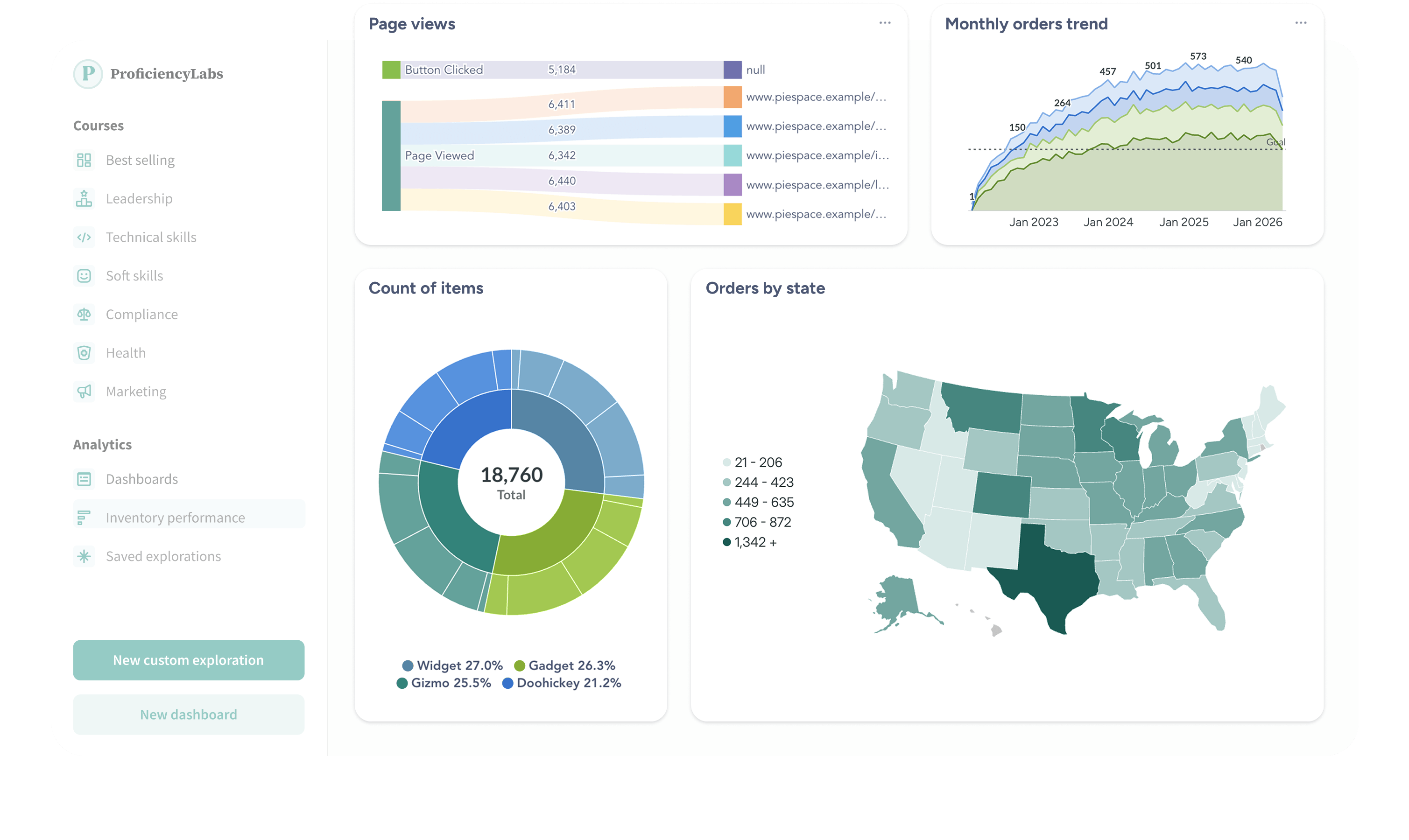







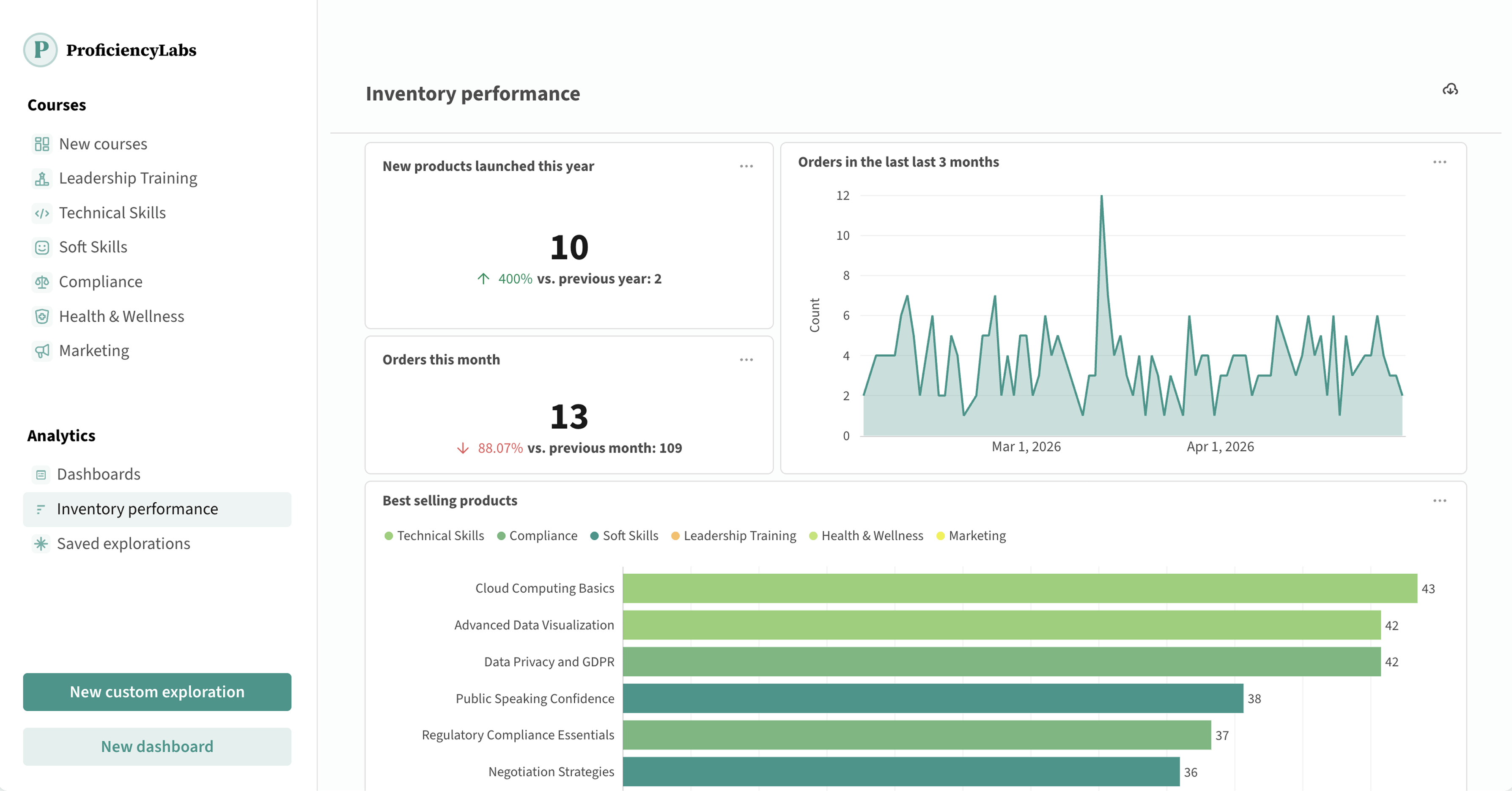
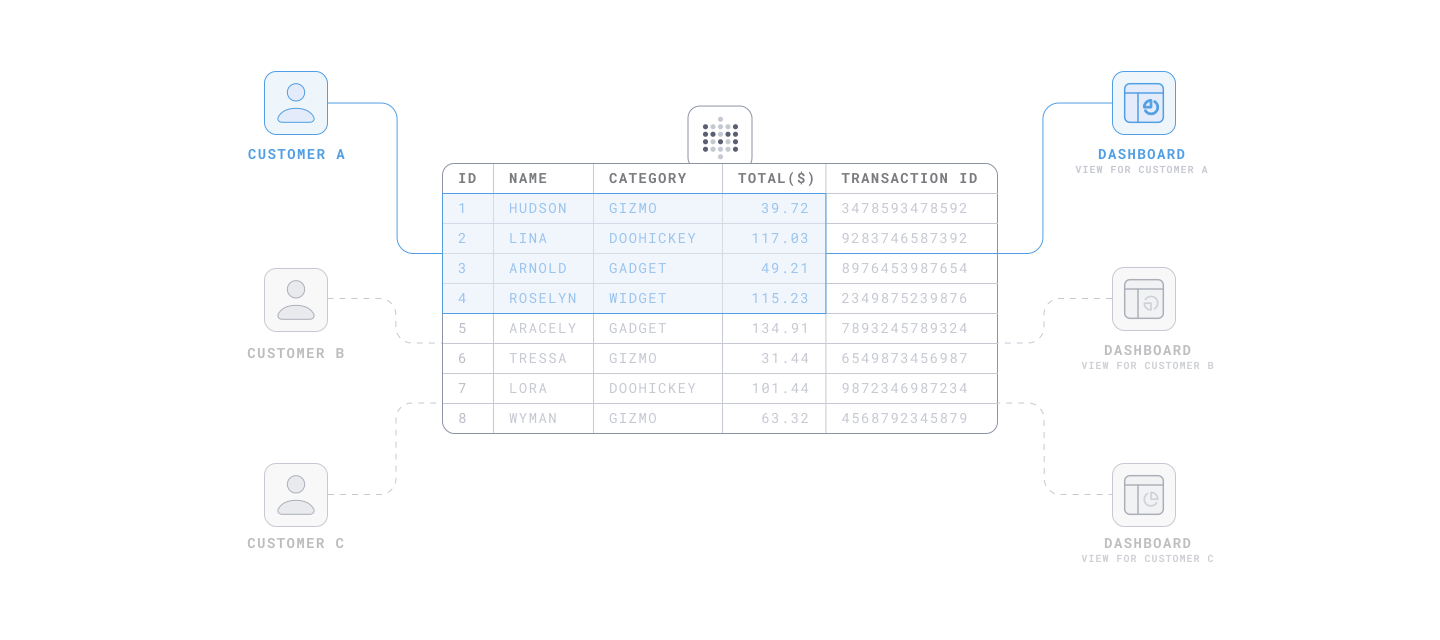
Every customer sees only their own data
Multi-tenancy is built in. Put each customer in a tenant, set permissions once, and every tenant gets the same dashboards filtered to their own rows, however many customers you add.
- One dashboard for every customer. Build it once in a shared collection. A customer who needs something bespoke gets it in their own tenant collection.
- Provisioned from your app. Your app’s JWT sign-in tells Metabase who someone is and which customer they belong to, and can create the tenant the first time a new customer signs in.
- Isolation that fits your schema. Row and column security on a shared schema, impersonation with your database roles, or routing each customer to their own database.
- AI follows the same rules. AI chat, and your product’s own agent, can only reach what the signed-in person is allowed to see.
Roles inside each customer
Tenant groups give every customer the same roles, like managers who see the whole account and reps who see their own deals.
Decide what each person can do
Choose who can view, explore, query or edit, down to tables, rows and columns. People who don’t write code manage it in the UI.
Ready for the security review
SOC 1 and SOC 2 Type II reports, GDPR and CCPA, and you can self-host when your customers need their data on your servers.
Live in your product in days, changed without a release
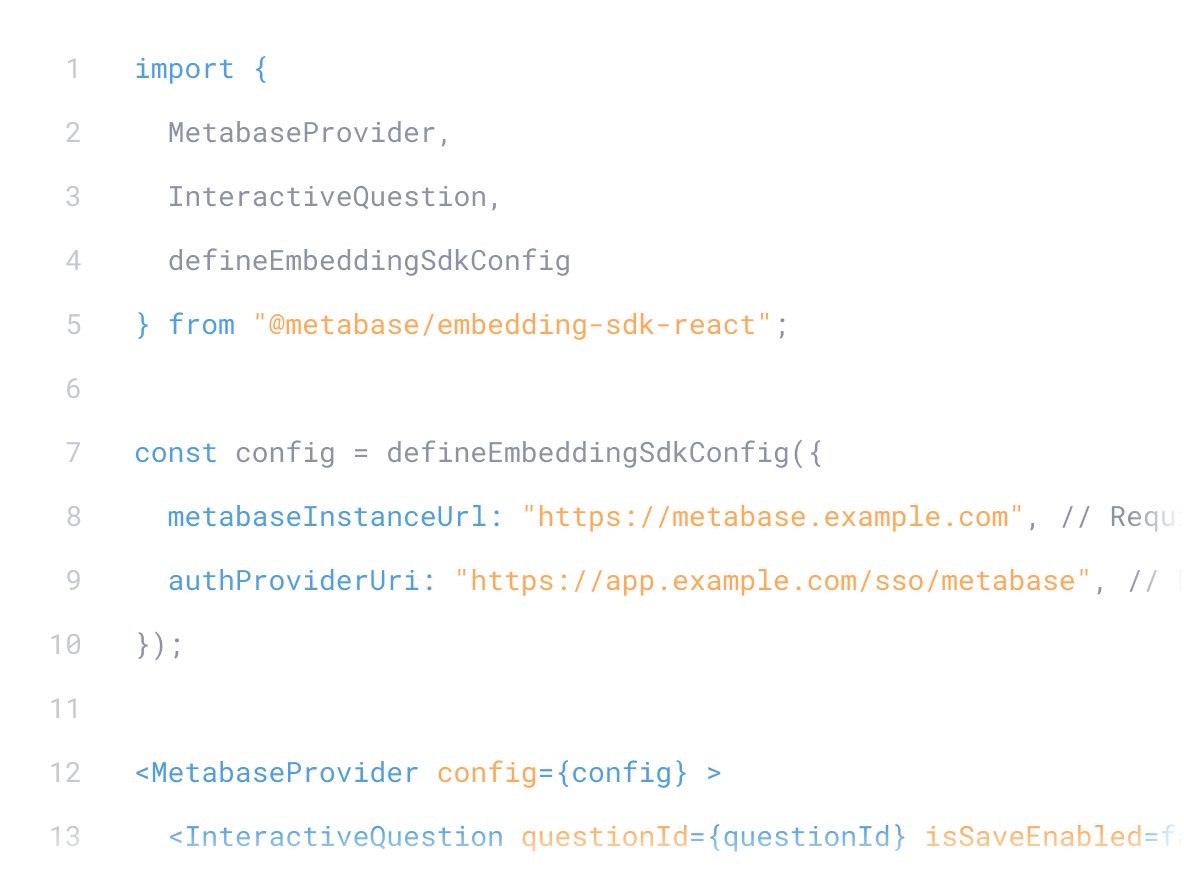
Connect your database, build a dashboard in Metabase, and paste the code snippet the modular embedding wizard writes into your app.
Plug in a snippet, and your team keeps it current
Build and change embedded dashboards in Metabase, and your customers see them without a release. Start from the code snippet the modular embedding wizard writes for you, or let your coding agent set it up with Metabase’s agent skills.
Metabase embedding feature has saved our team ton of time and headache! We only had to plug in a snippet of code and it automatically connected to a beautiful dashboard that is maintained non engineering team members!
Start with a snippet, grow into the SDK
Embed charts and dashboards with web components and a few lines of HTML, or use the modular embedding SDK for deeper customization in your own components. Agent skills walk your coding agent through the move, and through each SDK upgrade.
Using Metabase saves us time and resources. It allows us to focus on what we do best without reinventing analytics. It's been a game-changer for us.
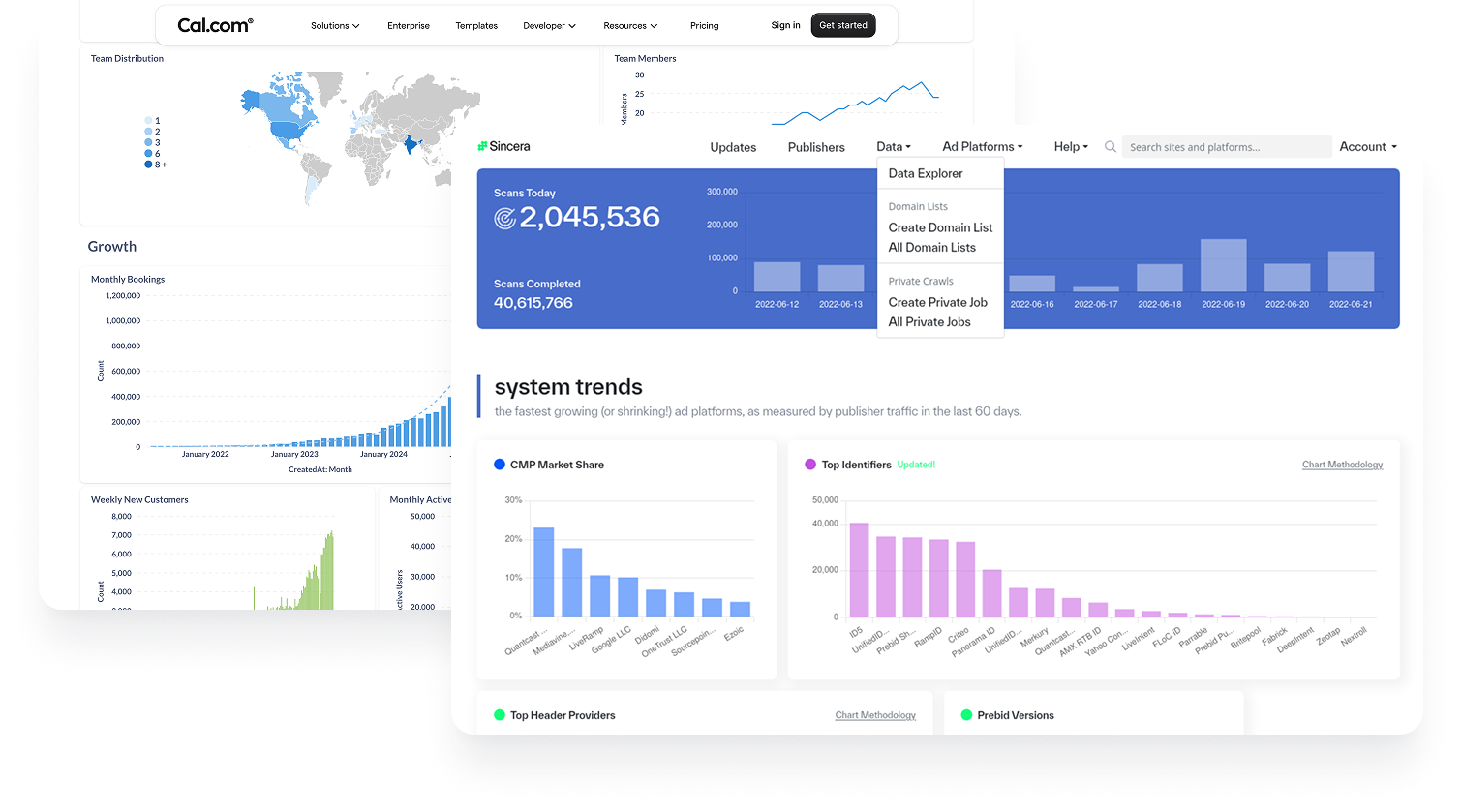
Our customers build great data experiences
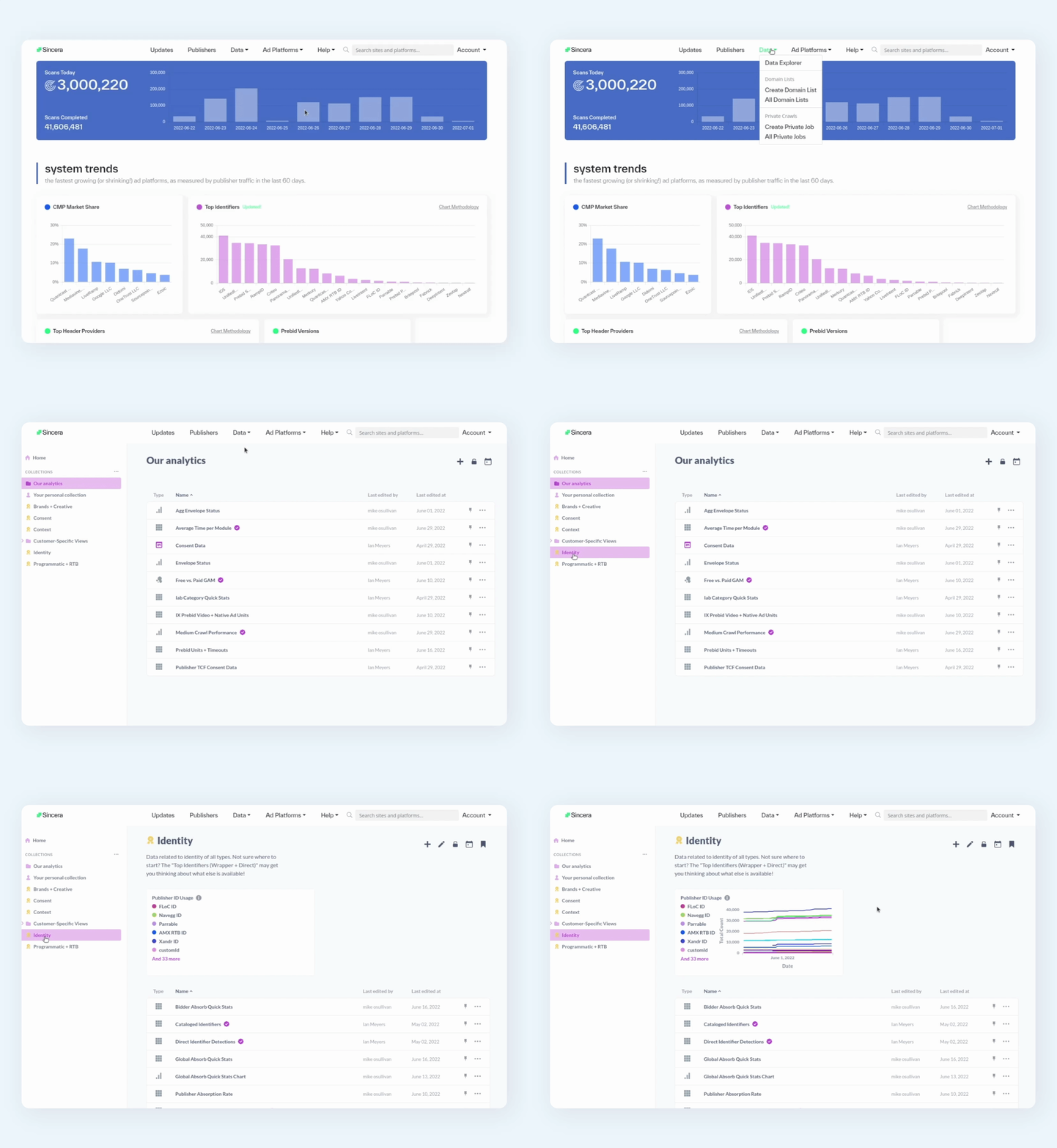
Sincera uses Metabase embedding to provide their customers with digital advertising and media insights
Read the full Sincera storyMetabase was the embedded solution we were looking for: easy-to-integrate, customizable and performant.

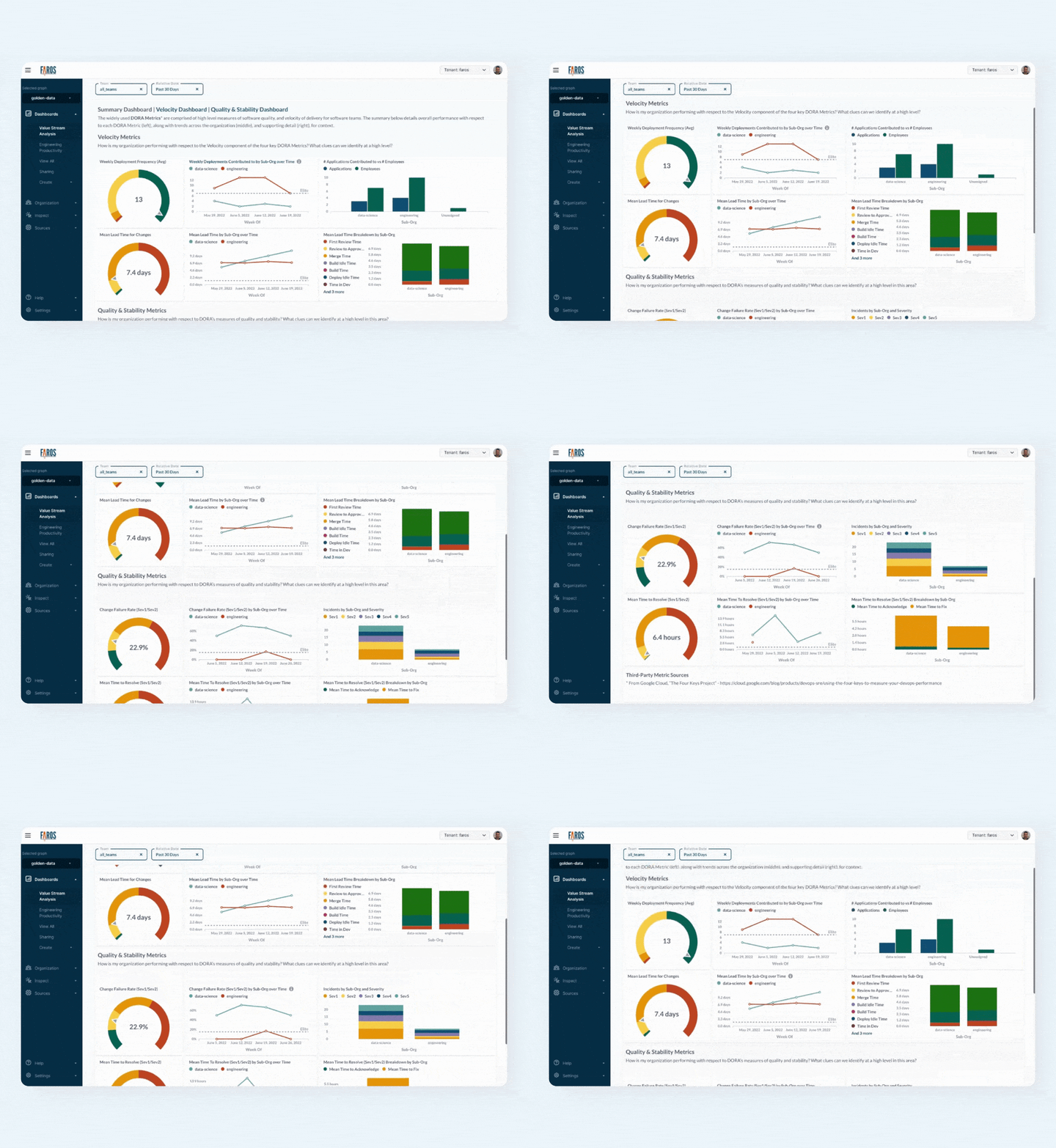
Faros uses Metabase embedding to provide visibility and insights to engineering leaders
Read the full Faros storyFull app embedding allows our customers to completely customize their own metrics. This unlocks incredible value for us at Faros and the platform capabilities we provide.
The right implementation type for whatever you need
Embed production-ready analytics components in your product with the right level of customization and control for your use case.
Check out the live demoLow-code
Embed charts and interactive dashboards fast with little eng overhead
Customers want data. Check it off your list.
- Set up in minutes—validate your in-app reporting needs.
- White label with your branding, customize navigation and user experience with a low-code integration.
- Limit exploration with Guest embedding, or give carte blanche reporting access with Full app embedding.
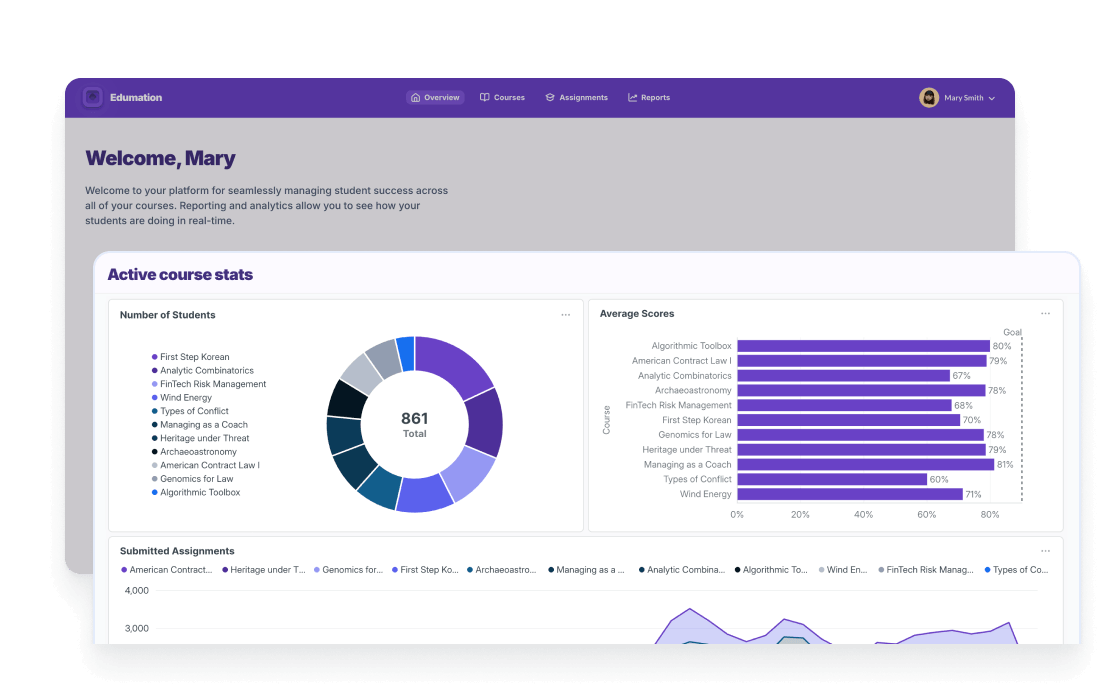
Modular embedding SDK for React
More control, more customization
Analytics built from your own React components.
- Build custom analytics experiences in your own components, without hand-rolling charts, filters and permissions.
- Customize theming and interactivity per component, per org or user.
- Manage the UX with custom behaviors, menu items, flows, and formats.
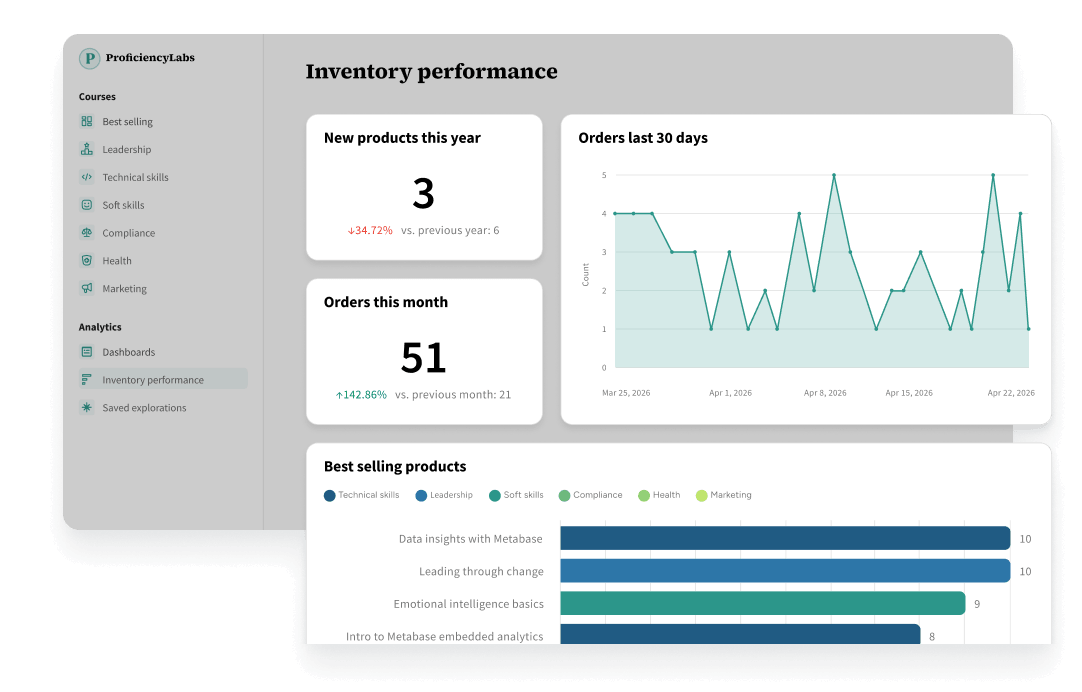
You decide how much your customers can do
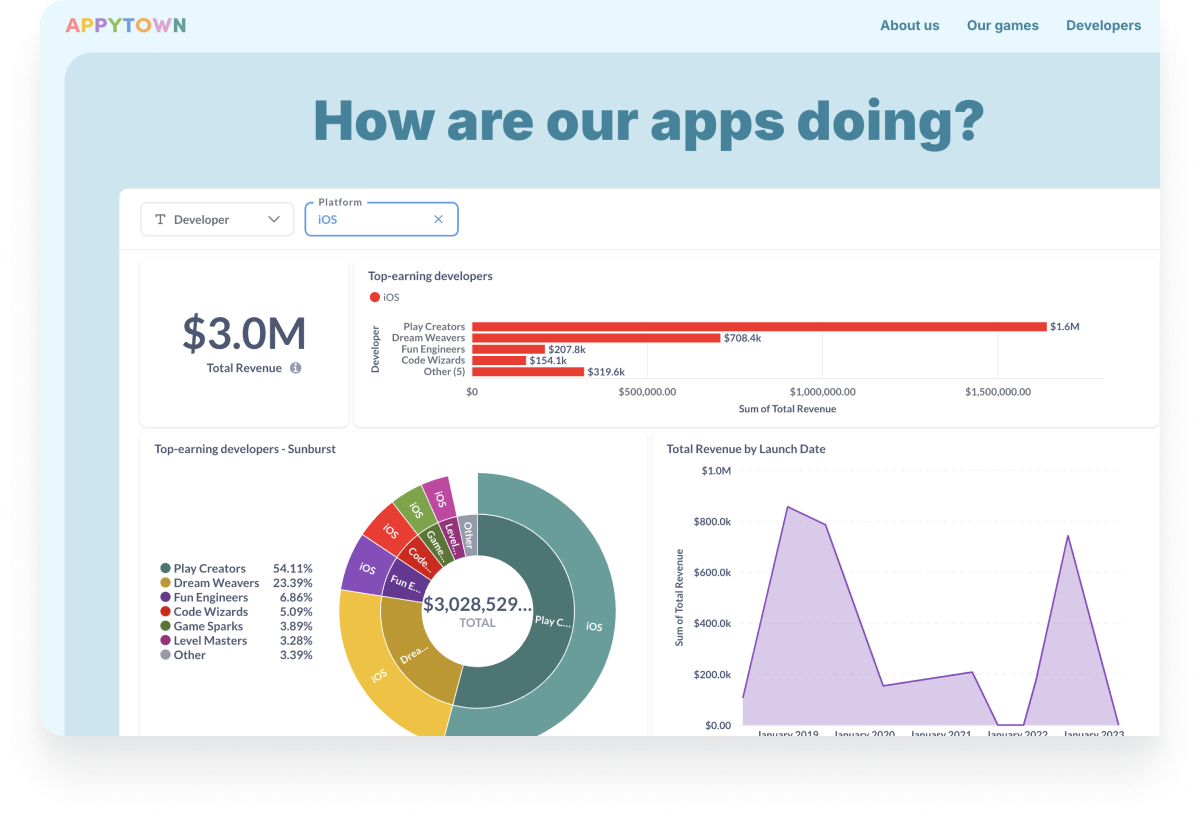
AI chat that stays inside each customer’s data
Customers ask Metabot questions and get a chart they can drill into, built on the metrics and models you choose and limited to the data they’re allowed to see. Your product’s own agent can query Metabase the same way, as the signed-in person. No LLM pipeline or permissions model to build.
Instead of reinventing the wheel and building out our own data visualizations within Aula—which would take extensive development and design time—we can simply use Metabase’s embedding to display dashboards for educators within Aula.
Click to explore data and uncover insights
Metabase detects the shape of your data and gives your customers relevant tangents to tap into without you having to manually configure or anticipate them.
White-labeling Metabase was a perfect fit for us at Lime Technologies. Why? The whole essence of our CRM software is simplicity and efficiency. Metabase follows the same principles, and it makes it easy for our customers to make sense of their CRM data and make strategic decisions.
Build their own reports
Customers filter, summarize and chart their own data in the query builder, starting from the models and metrics you give them.
Works with your stack for live visualizations and reports, not extracts
Your data stays in your database. Metabase queries it live, with no extracts to copy or refresh.
Integrates with your database and stack
Metabase connects to 20+ data sources, with embedding to fit any framework (web components work in any framework, and the modular embedding SDK gives React apps more control).
Open source, proven reliability
No black boxes or vendor lock-in. Backed by a strong community. See under the hood whenever you want to.
Self-host or cloud
Keep control over your data and deployment. Or hand off hosting duties to us with our powerful cloud deployment.
Looks like your product, down to the font
CHART COLORS
#FFFFFF
#509EE3
#4C5773
FONT
Lato
APPEARANCE
Light
CHART COLORS
#22242B
#64BD0D
#5A6072
FONT
Source Code Pro
APPEARANCE
Dark
CHART COLORS
#FFFFFF
#428E60
#4C5773
FONT
Georgia
APPEARANCE
Light
CHART COLORS
#22242B
#F25353
#5A6072
FONT
Varela Round
APPEARANCE
Dark
CHART COLORS
#FFFFFF
#509EE3
#4C5773
FONT
Lato
APPEARANCE
Light
CHART COLORS
#22242B
#64BD0D
#5A6072
FONT
Source Code Pro
APPEARANCE
Dark
CHART COLORS
#FFFFFF
#428E60
#4C5773
FONT
Georgia
APPEARANCE
Light
CHART COLORS
#22242B
#F25353
#5A6072
FONT
Varela Round
APPEARANCE
Dark
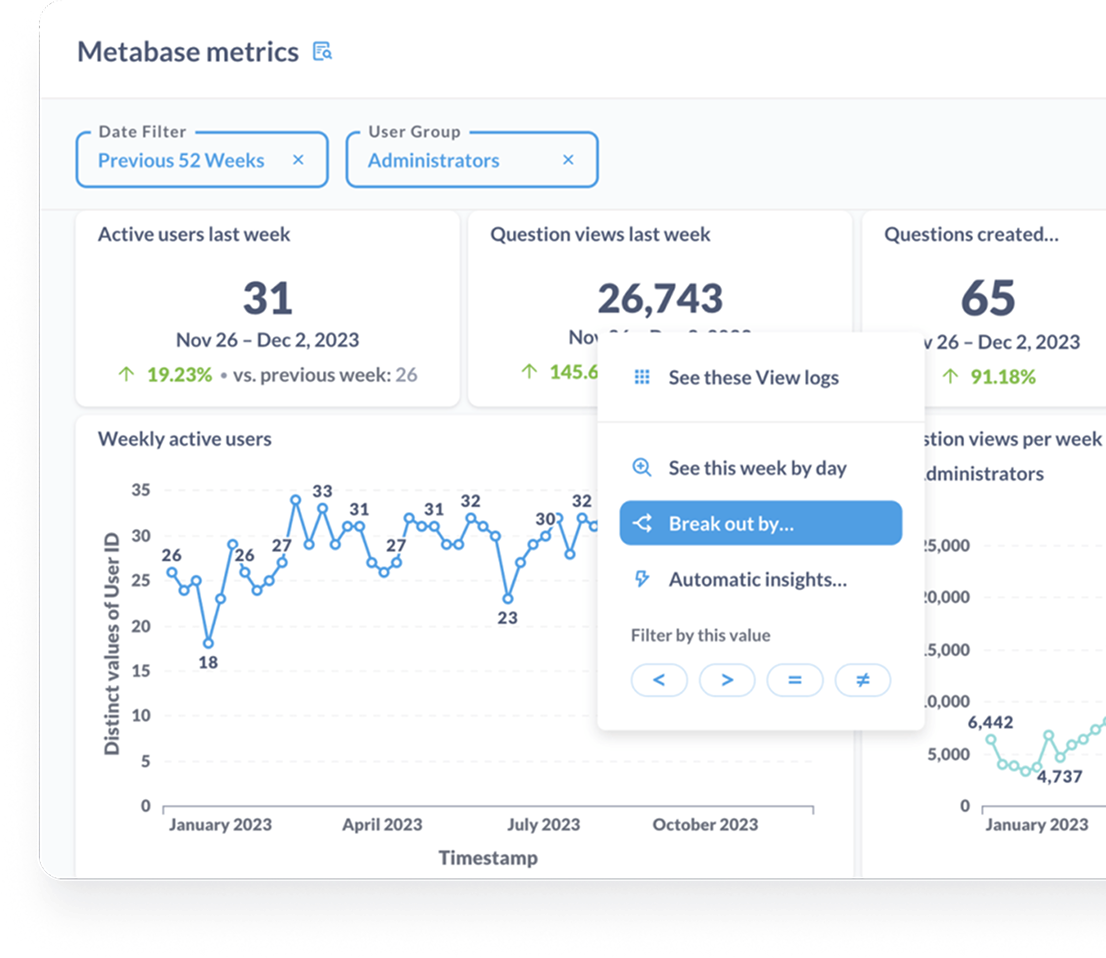
Track how your in-app reporting is used
Usage analytics gives you insights into who’s doing what, when so you can optimize and know when it’s time to ramp up.
- See how often people use your customer-facing analytics. Validate your investment in your in-app reporting set up.
- Understand what your customers are most interested in. Give people more of what they want and archive unused content.
- Get a comprehensive activity log for auditing and security purposes. You can even set alerts to be notified about unusual activity in your analytics.
Help from our world-class success team
We don't like to brag, so we'll let our customers do it for us.
What you get from our success team:
- Support from actual technical experts. We’re all avid Metabase users, so we’ve been in your shoes.
- Help with whatever your problem is, be it admin troubleshooting or advice on best practices.
- No chat bots, no hold lines, no customer service runaround. Just email us, we’re right here.
“The expertise and engagement of the Metabase team stands in stark contrast to that which we've received from Looker over the past 18+ months and, in previous lives, Tableau.”


“10/10. Metabase support is the best in the industry and serves as a shining example of what we try to achieve for our own customers.”


“Johannes is a world class support engineer. I really give him 5 stars for the help he provided. All responses were very fast, to the point, and helpful. I couldn't ask for better support. A true expert.”


“I got excellent and timely response to my question. Thank you for the level of detail you provided, you made me feel that if we migrate our installation to your cloud service, we will have your support.”


“Johannes is the best! He always gives thorough responses and next steps that help us manage expectations with our end users.”


“I really appreciated how fast Luis was to respond, and how straightforward his recommendations are. You're awesome!”


“The response was specific on all my raised points and it came back very quickly!”


Built in-house, it’s yours to run forever
Building it yourself, with AI or a charting library:
- Whether a coding agent writes it or your team does, it’s yours to keep running: tenant permissions, SSO, filters, exports and every security fix.
- Ongoing dev time for maintenance, bug fixes, security reviews and scaling.
- A codebase the next engineer has to learn when the person who built it moves on.
Metabase:
- A first embed from the modular embedding wizard’s code snippet, or one CLI command
- Upgrades and security fixes come from Metabase, and on Metabase Cloud we apply them
- Permissions built in: tenants, row and column security, SSO
- Dashboards your team edits in Metabase, or keeps in Git as code
- Open source, self-hosted or on Metabase Cloud
Questions from engineering and security teams
Who counts as a user, how each customer’s data stays separate, and what it takes to run.
Do our customers count as Metabase users? 
It depends on how they sign in. Guest embeds don’t sign anyone in to Metabase, so guest viewers don’t count as users and you aren’t billed for them. When you embed with SSO, which is what drill-through, the query builder, AI chat and tenants need, each person who signs in has a Metabase account that counts toward your plan’s users. Guest embedding docs, Pricing
How does Metabase keep each customer’s data separate in a multi-tenant app?
Your app signs each person in through SSO with JWT or SAML. Tenants group your customers’ people so you set content and permissions once for all of them, and row and column security or database impersonation keeps every customer to their own rows. Tenants docs, Securing embeds
Why not build customer-facing analytics ourselves with AI coding tools?
A coding agent can write chart components, but the code is still yours to run: tenant permissions, SSO, exports, security reviews and every upgrade after launch. With Metabase, your coding agent builds the embed with Metabase’s agent skills, and the permissions, AI chat and security fixes ship with Metabase. Dashboard changes happen in Metabase instead of in a release.
Can we use embedded Metabase for HIPAA or data residency?
Metabase has SOC 1 and SOC 2 Type II reports and supports GDPR and CCPA compliance. For HIPAA, or to keep data in a particular country, we recommend self-hosting: your customers’ data stays on your servers, in the region you choose, and self-hosted Metabase has the same embedding features as Metabase Cloud. Air-gapped deployments
Can our product’s own AI agent query embedded Metabase?
Yes, on Pro and Enterprise. An agent in your app can use Metabase’s MCP server on behalf of whoever is signed in. Your backend signs a JWT for that person, as it does for SSO, so the agent gets that person’s permissions and sees only their data. MCP with embedding docs, MCP server
Can we manage our embedded dashboards as code?
Yes. Remote Sync keeps the dashboards and questions in the collections you choose as YAML in GitHub, GitLab or Bitbucket, so changes go through review, and the Metabase CLI lets a coding agent build them. Remote Sync is on Pro and Enterprise. Analytics as code
How does Metabase perform when embedded in our app?
Embedded charts and dashboards query your database live, so there are no extracts to schedule or syncs to wait on. Load times depend on your database and your queries, and caching and your own infrastructure help it scale. Caching docs
How much can I customize embedded Metabase to match my app?
On Pro and Enterprise, match your product’s fonts and colors, remove Metabase branding, and let people who don’t write code build saved themes with a live preview in the Embedding hub. Open Source and Starter embeds get the light and dark themes. With the modular embedding SDK (Pro and Enterprise) you theme each component, add your own menu items and behaviors, and bring custom visualizations. Appearance docs
Can we start simple and move to the modular embedding SDK later?
Yes, and that’s a common path. Start with web components: the modular embedding wizard writes a script tag and a few HTML tags for you. When you need custom layouts and plugins, move to the modular embedding SDK. Metabase’s agent skill for that move walks your coding agent through it.
Which plans include embedded analytics?
Guest embeds of charts and dashboards work on every plan, with a “Powered by Metabase” banner on Open Source and Starter. SSO embedding, tenants, row and column security, AI chat, white-labeling and the modular embedding SDK are on Pro and Enterprise. Enterprise adds custom pricing, help with procurement and a dedicated success engineer. Pricing
Ship analytics your customers trust, without owning the plumbing
Tenants, SSO, white-labeling and AI chat are on Pro and Enterprise. Start a 14-day free trial, or talk to sales.