3 min read
TL;DR: If you’re embedding Metabase and upgrading to 58, you don’t have to do anything. Your existing embeds will continue to work exactly as before. These changes are about simplifying our embedding options so it’s easier for people to pick the option they need.
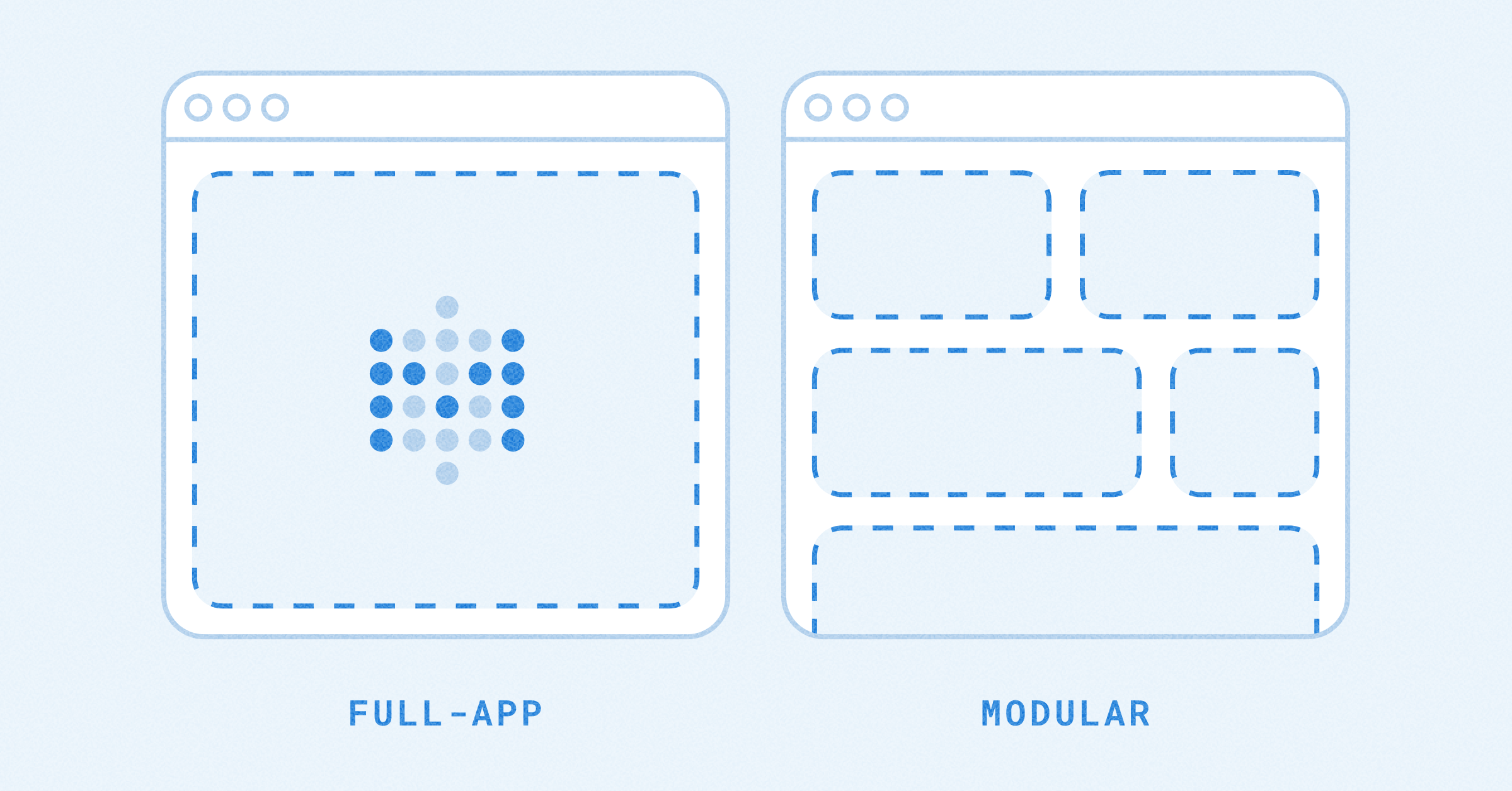
Starting in Metabase 58, there are two ways to embed Metabase for new embeds.
If you’re already embedding Metabase, your existing embeds still work. Static embedding will still work for existing embeds, but new embeds must use Modular Embedding.
| Before 58 | Starting in 58 |
|---|---|
| Static embedding | Modular Embedding - Guest |
| Embedded analytics JS | Modular Embedding - SSO |
| Embedded analytics SDK | Modular Embedding SDK - Guest or SSO (React only) |
| Interactive embedding | Full-app Embedding - SSO only |
They were confusing. Static embedding was also somewhat interactive, but we also had interactive embedding, which was a different thing. Each had a different setup flow. It worked, but figuring out the right path could have been easier, so that’s what we did. Plus, the new Modular Embedding provides an easier upgrade path from static embedding—you can start with Guest embeds and upgrade to SSO without major code changes.
We built an in-app wizard that walks you through setup and generates a code snippet. Copy, paste, done. The choice you have to make is whether you give people in your app a Metabase account. If you do, it unlocks a lot of stuff, and reduces your maintenance burden.
Modular Embedding has an SDK for React, so if your app uses React, you should go with the SDK.
The nice part: Guest and SSO embeds share the same foundation, so it’s a much smoother upgrade path from Guest to SSO.
You don’t have to do anything special when upgrading. Your existing embeds will continue to work exactly as before.
The only difference is what you’ll see in the Metabase UI when setting up new embeds.