3 min read
Metabase has grown a lot over the past few years. We’ve added a bunch of tools to help people stay on top of their analytics as things scale.
Eventually, it became clear these tools needed their own home.
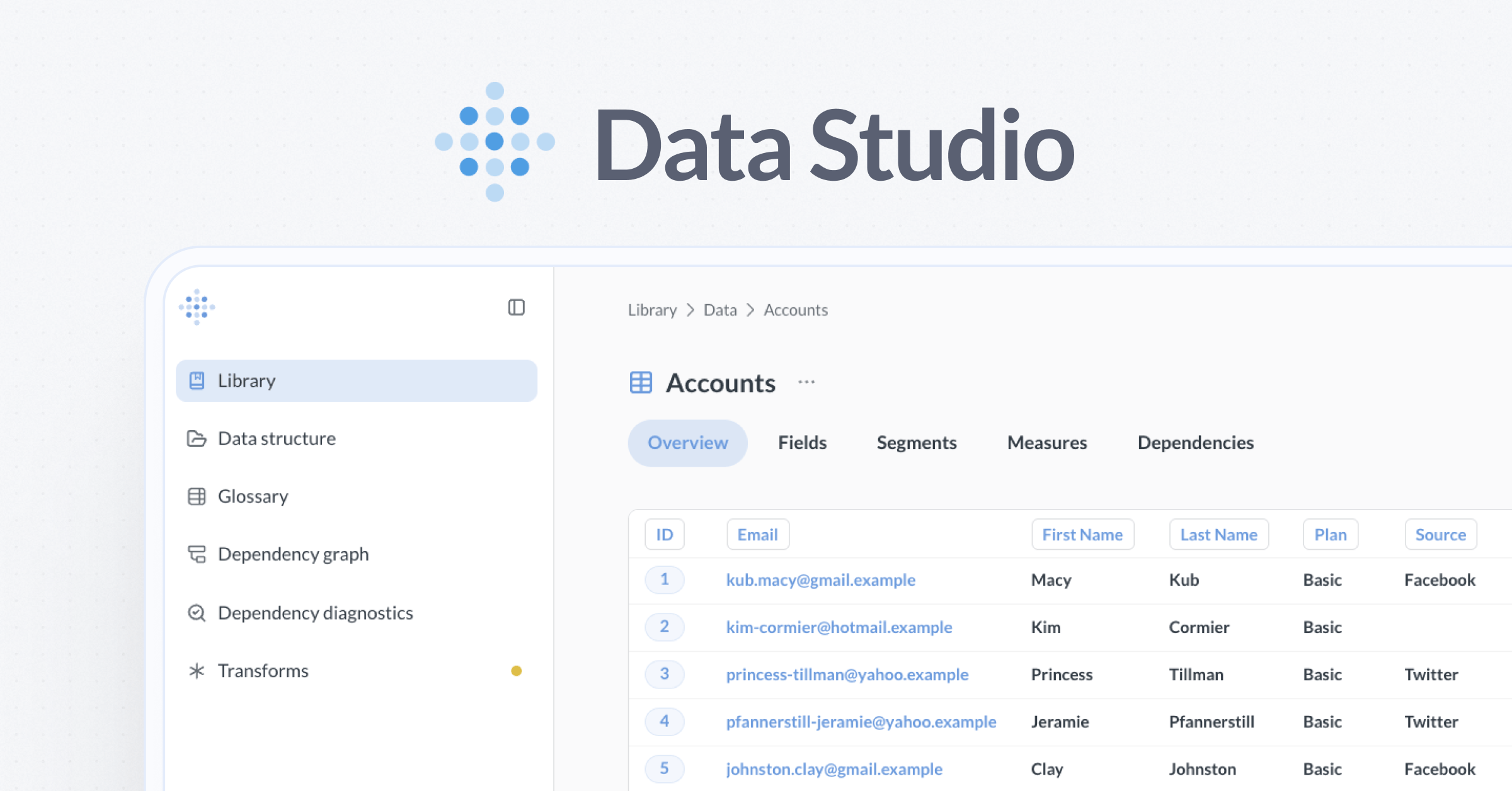
Today, we’re introducing Metabase Data Studio, a place where teams can shape their data and define shared metrics.
One goal at Metabase has always been to help non-technical people answer questions with data. And at first, that’s easy. You connect Metabase to your database, build a few dashboards, and things feel straightforward. But over time, cracks in the data model inevitably start to show.
People aren’t sure which tables to use, dashboard loading times get annoying, and there are three different queries that say “ARR”. AIs don’t stand a chance sifting through this stuff.
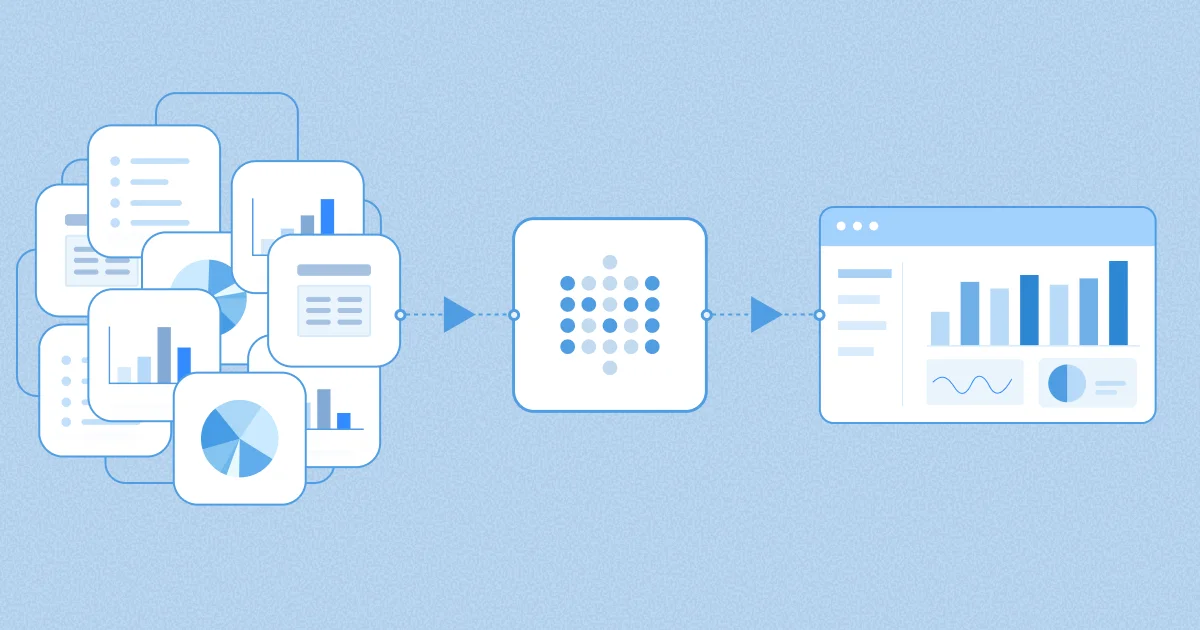
Data Studio lets teams transform raw tables into analytics-ready datasets. You can define reusable metrics (like MRR) and segments (like Active Customers) that everyone (including AI!) can trust when building dashboards and questions.
Data Studio lives in Metabase: no extra tools, no duplicate work, no workflow overhauls, just publish and share instantly. You can start small and grow into it naturally as analytics becomes more shared and harder to change.
The first version of Data Studio ships with the following tools:
And we have more to come, so stay tuned.
We want data structure and curation to be accessible to everyone, which is why foundational features of Data Studio are available in our open source edition, with Pro and Enterprise features to grow into as you need them.
People tend to need some kind of data transformations when they have multiple sources of data (like your application and payments data), or a bunch of normalized tables. If you’re under 50 tables in your schema, don’t stress, watercress. If you have multiple data sources or a lot of tables, chances are you’ve been paying a tax on clarity, correctness, and performance. Data Studio can help get you sorted.
Data Studio ships with both OSS and EE editions (with some paid features).
Admins can find Data Studio from the top right grid icon. Some paid plans can grant non-admins access to Data Studio by adding people to the Data Analysts group.