





These are the docs for the Metabase master branch. Some features documented here may not yet be available in the current release. Check out the docs for the current stable version, Metabase v0.62.
Agent API
The Agent API is a REST API for building headless, agentic BI applications on top of Metabase’s semantic layer, scoped to an authenticated user’s permissions. Agent API powers Metabase’s MCP server.
Enable Agent API
Admin > AI > MCP
Admins enable the Agent API under Admin > AI > MCP.
Agent API endpoints and reference
Check out the API endpoint docs: /api/agent.
You can also point your AI to the Agent API reference to bootstrap your agent.
Example application
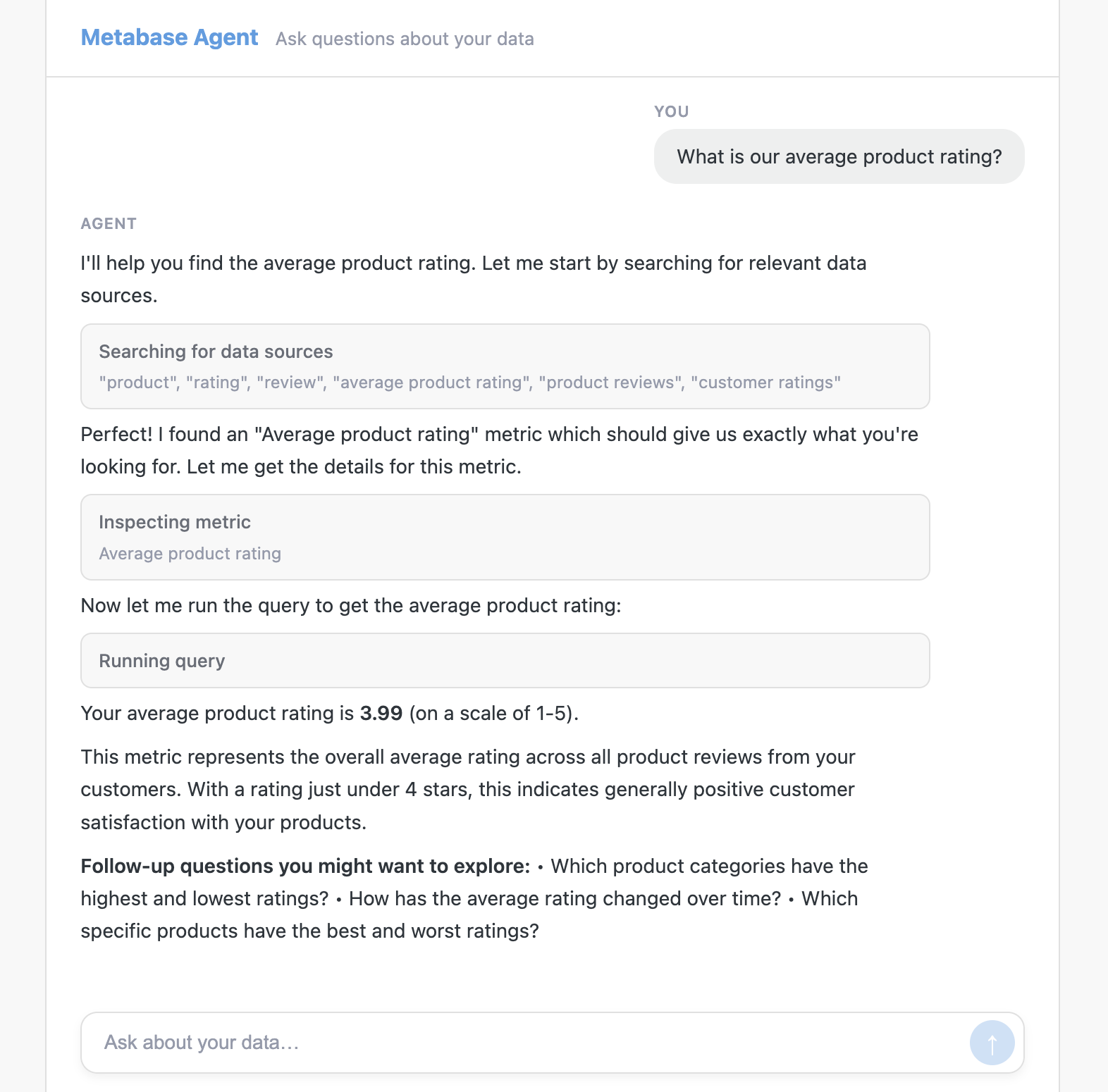
Check out the Metabase Agent API demo for a working example of an agentic BI app built on the Agent API.
Why use the Agent API
There are a few advantages to using the agent API over the Metabase API.
- Agent endpoints are explicitly supported for building agentic BI applications.
- The agent API is versioned, so your apps can rely on consistent responses.
- Requests are scoped to the authenticated user’s permissions.
- Doesn’t require you to work with MBQL, which is Metabase’s querying language.
Supported features
The Agent API supports:
- Searching for tables and metrics
- Inspecting their fields
- Constructing and executing queries
If you want to connect an MCP-compatible AI client (like Claude Desktop) without writing custom code, see the MCP server, which builds on this API.
Row limits and pagination
Queries return a maximum of 200 rows per request. To page through larger result sets, use POST /api/agent/v1/query, which returns a continuation_token when more rows are available. Pass the token back to get the next page.
Authentication
The Agent API supports three authentication methods.
API key
The simplest option. Create an API key in Admin > Settings > Authentication > API keys, then pass it in each request:
X-API-Key: YOUR_API_KEY
The key’s permissions are determined by the group assigned to that key. Unlike session or JWT authentication, API key requests aren’t scoped to an individual user. Anyone using a client app that authenticates with an API key will have the same permissions as that key.
Session token
Log in with a Metabase username and password to get a session token, then pass it in subsequent requests.
1. Get a session token:
POST /api/session
Content-Type: application/json

{"username": "analyst@example.com", "password": "your-password"}
The response body contains an id field – that’s your session token.
2. Pass the token in each request:
X-Metabase-Session: SESSION_TOKEN
JWT
JWT-based authentication is only available on Pro and Enterprise plans (both self-hosted and on Metabase Cloud).
If you’ve configured JWT-based authentication (Admin > Settings > Authentication > JWT), you can pass a signed JWT directly:
Authorization: Bearer <jwt>
The JWT must be signed with the shared secret configured in Metabase. Claims include:
| Claim | Type | Required | Description |
|---|---|---|---|
| iat | int | Yes | Issued-at time (Unix seconds). JWT must be <180 seconds old. |
| string | Yes | Email matching a Metabase user. The claim name is configurable via the jwt-attribute-email admin setting (default: “email”). | |
| first_name | string | No | User’s first name. |
| last_name | string | No | User’s last name. |
| groups | array | No | List of groups for group sync. |
Example JWT payload:
{
  "iat": 1706640000,
  "email": "analyst@example.com"
}
You can also exchange a JWT for a session token via POST /auth/sso/to_session (note: this endpoint is under /auth, not /api), then use the X-Metabase-Session header as described above.
Further reading
- MCP server
- Agent API complete reference
- Metabase Agent API demo
- Metabase API docs
- API keys
- JWT authentication
Read docs for other versions of Metabase.