



These are the docs for the Metabase master branch. Some features documented here may not yet be available in the current release. Check out the docs for the current stable version, Metabase v0.58.
SQL generation on self-hosted Metabases
One-shot SQL generation with your own API key is only available on self-hosted Metabases. For Metabase Cloud, check out Metabot.
Bring your own API key to generate SQL from natural language in the native editor.
Setting up one-shot SQL generation
To enable SQL generation on a self-hosted Metabase:
- Go to Admin settings > AI.
- Enter your Anthropic API key.
- Select the AI model you’d like to use for SQL generation. (Opus models typically give the best results.)
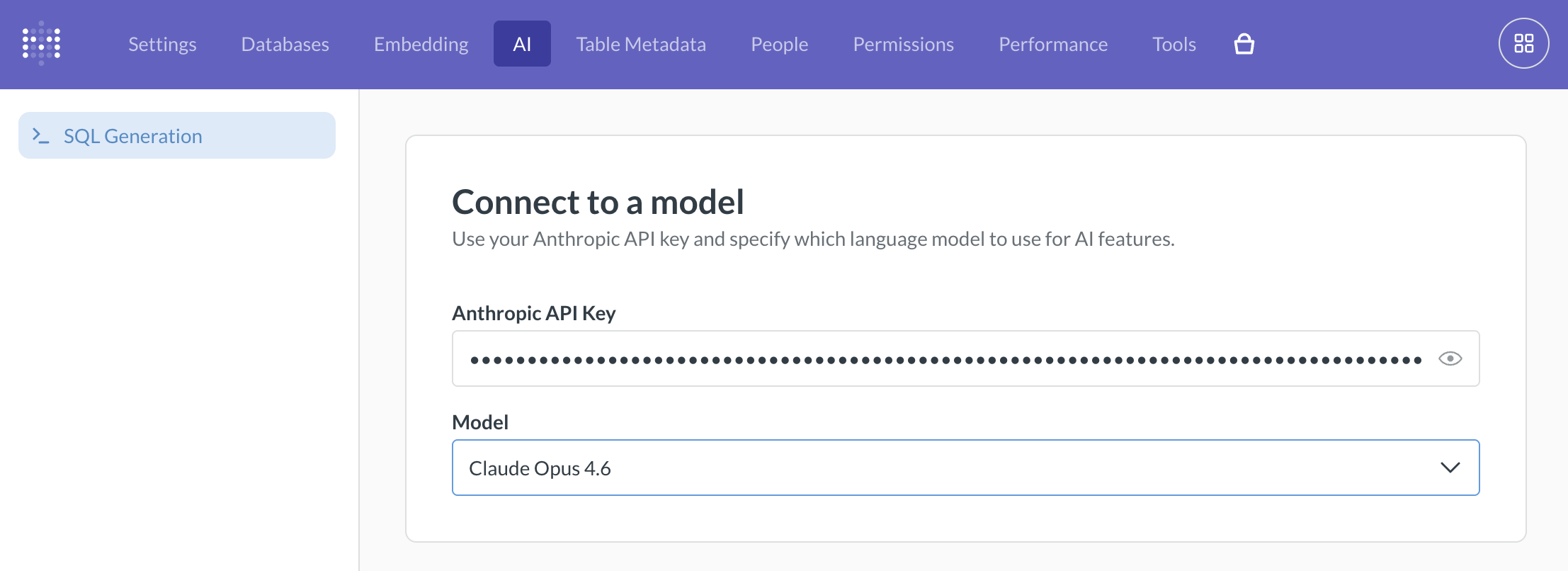
You’ll need an API key from Anthropic. Once you’ve entered the key, anyone in your Metabase can use SQL generation in the native editor.
Currently, only Anthropic is supported.
Generate SQL from natural language
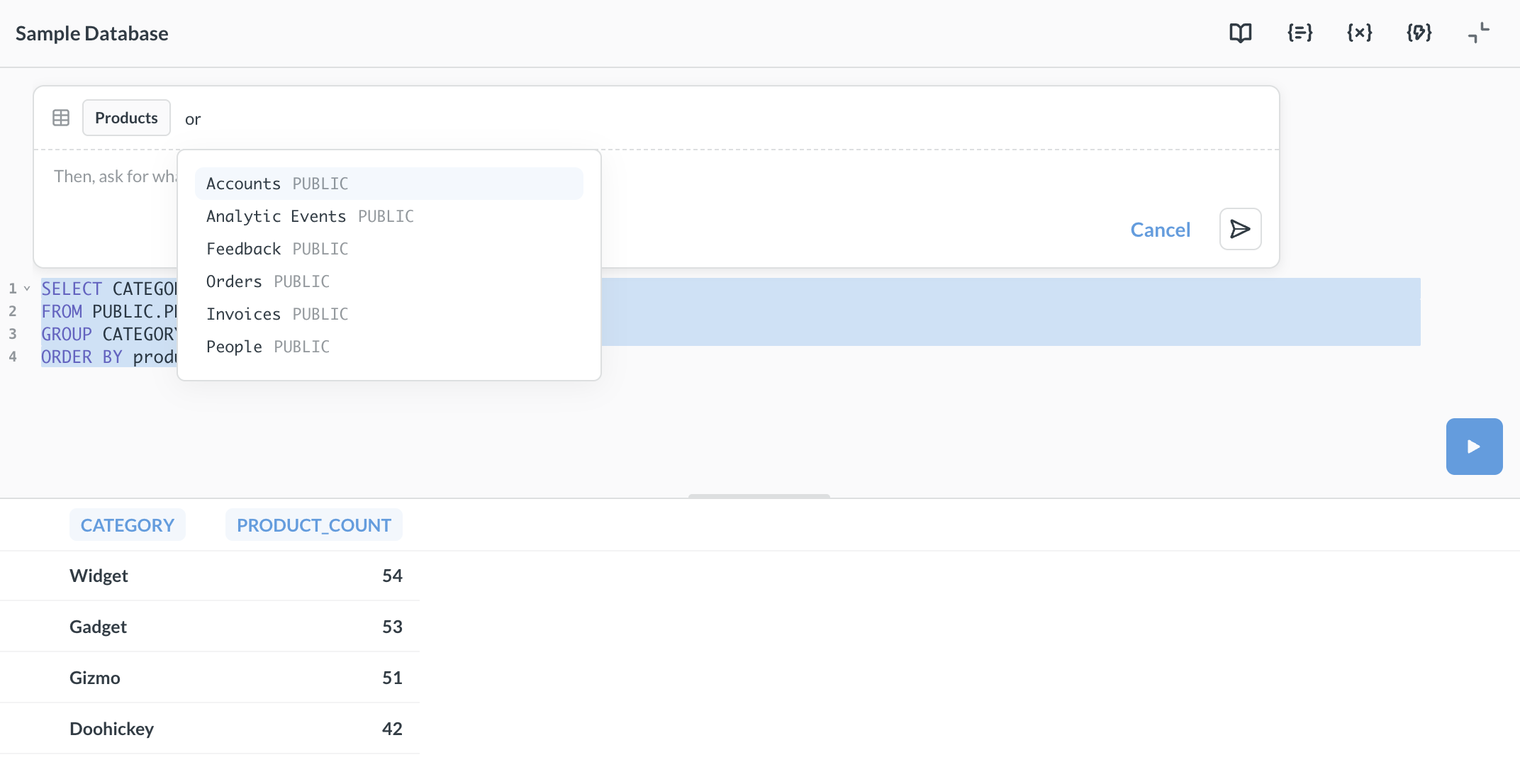
To generate SQL from a natural language prompt:
-
Open the native editor.
-
Press Cmd+Shift+I (Mac) or Ctrl+Shift+I (Windows).
-
Enter one or more tables.
-
Type a prompt describing the query you want to write.
-
Click Generate to create the SQL.
-
Review the generated SQL before running it.
You can also edit existing SQL. Place your cursor in the query, trigger the prompt, and describe the change you want to make (like “add a filter for orders from this year”). Metabase will suggest edits that you can accept or reject. You must select at least one table for both new queries and edits.
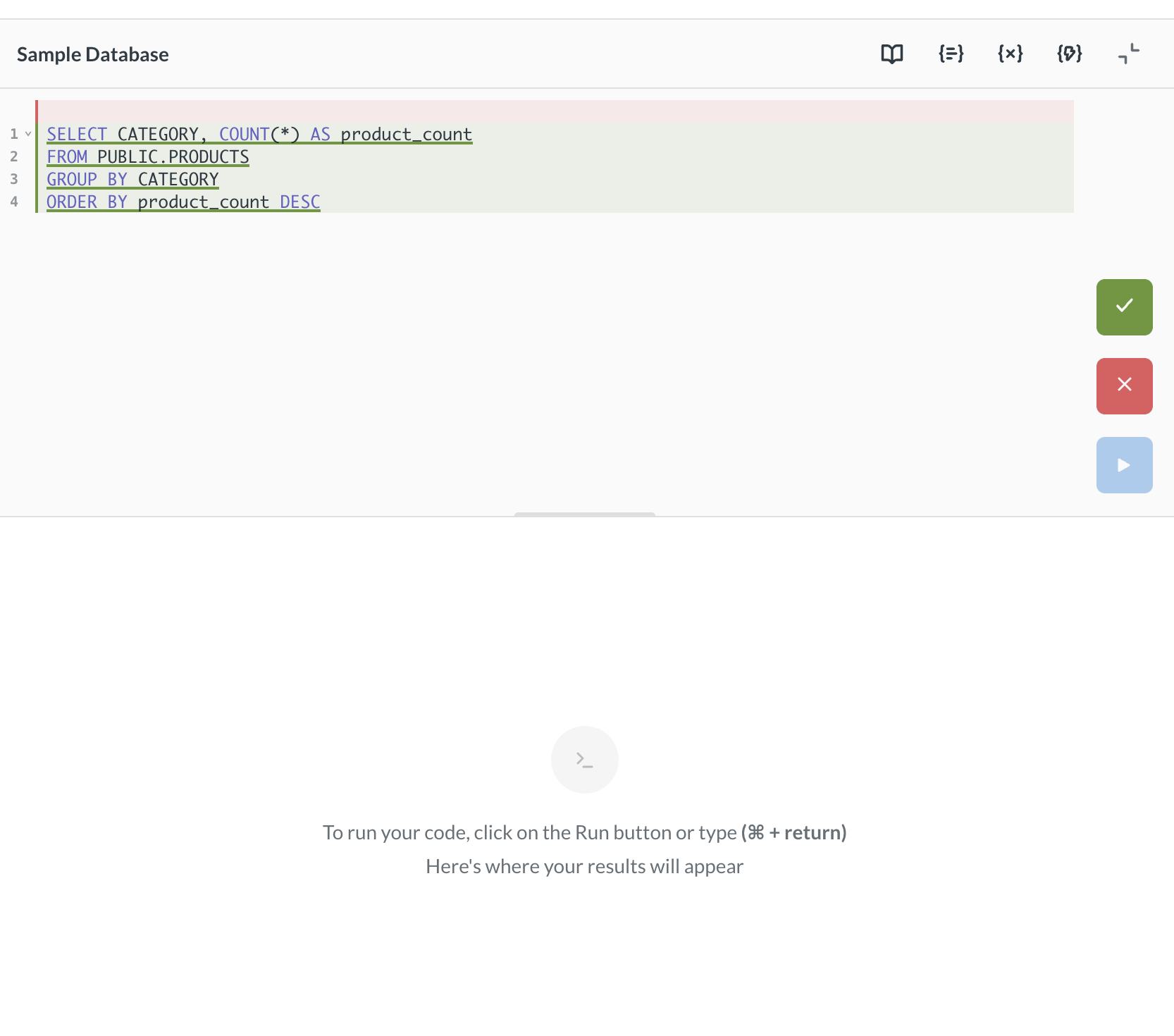
Each prompt is independent — the AI doesn’t retain context from previous generations.
Like with all generative AI, always double-check the output.
Further reading
Read docs for other versions of Metabase.